Your cameras show what is happening on site. But footage alone does not tell your team who should investigate, which procedure applies or what evidence is needed to close a task. Those gaps matter when you are reviewing safety events, checking deliveries or maintaining cameras.
Multi-brand camera integration with Fizibox.OS provides a foundation for using existing video feeds. AI Industry Packs add capabilities for specific industry needs, while Luna Copilot helps bring the resulting information into operational workflows within an agreed integration scope.
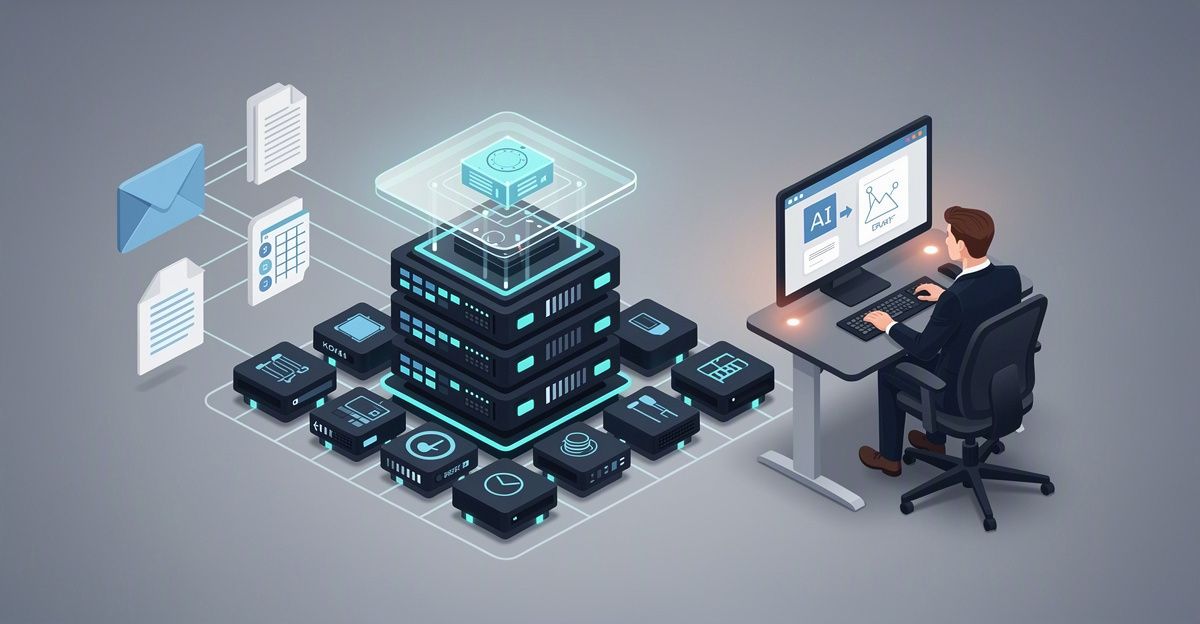
Cameras capture images; Fizibox.OS connects and processes field data. AI Industry Packs add specialized recognition, and Luna Copilot helps turn that information into work with clear ownership and human oversight.

Start with the cameras you already have
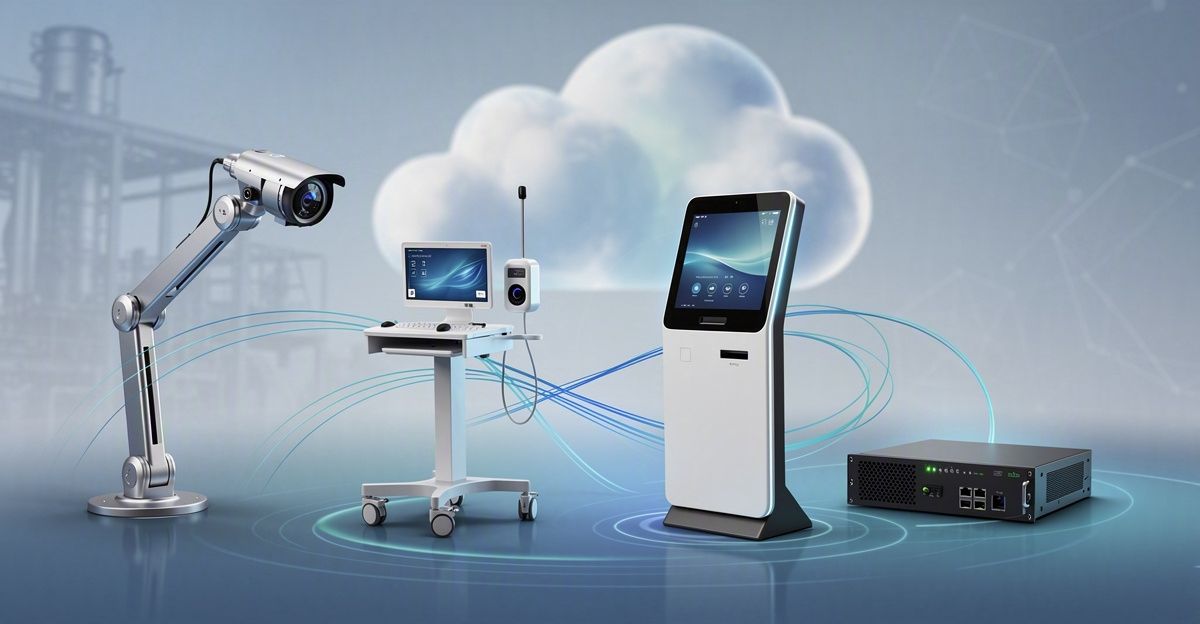
Fizibox.OS uses ONVIF to connect IP cameras from different manufacturers. The standard supports device discovery, configuration queries and video stream setup. Analog cameras can participate through a compatible recorder or encoder.
However, multi-brand camera integration does not mean every camera is suitable for every AI task. A site survey checks three practical areas:
- Devices: model, firmware, ONVIF Profile, authentication and the ability to maintain a video stream.
- Images: viewing angle, lighting, resolution, FPS and how clearly the target appears.
- Infrastructure: network conditions, time synchronization, access permissions and processing resources.
ONVIF Profiles help identify device functions: Profile S covers basic video streaming, T advanced streaming, G recording, and M metadata and analytics events. Support must be confirmed on both the device and the deployed platform version.
You can start with a representative area and expand based on testing. Where additional edge processing is needed, Fizibox Node provides a standardized hardware option.
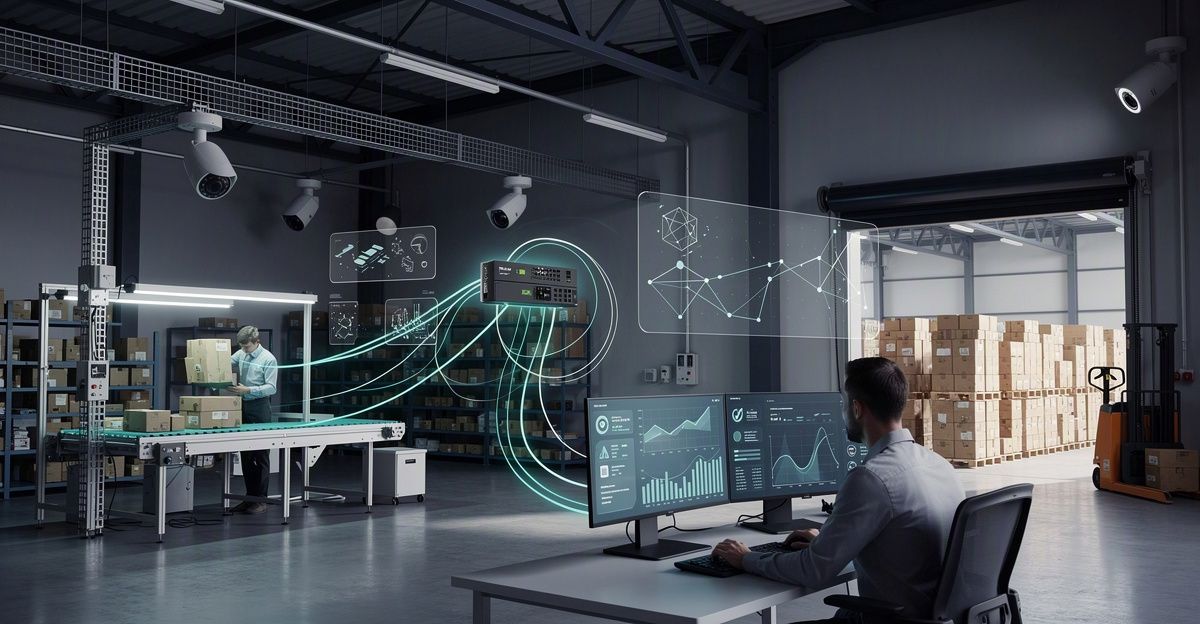
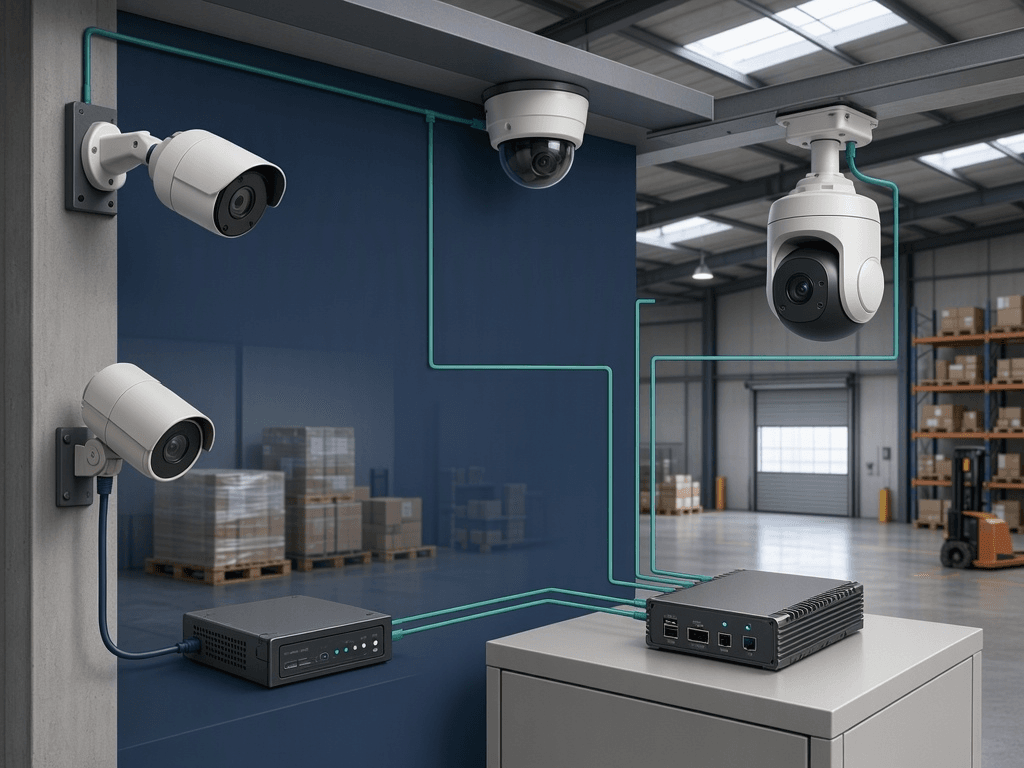 Illustration of multi-brand IP cameras and an analog camera through a recorder or encoder connecting to an edge processing platform.
Choose AI around the job you need done
The value of multi-brand camera integration depends on what your team can do with the images. Start by identifying the operational need, then discuss the appropriate AI Industry Packs. The capabilities below guide that discussion; availability is confirmed for each package and project.
Operational need Capability group Information available for review
Factory and warehouse safety FAD, PPE, Collision Smoke/fire, helmets, reflective vests and close forklift–person proximity
Production quality QA/QC Appearance, labels, fill levels or a configured defect set
Gates and deliveries ANPR, Container Number OCR Vehicle license plates and container identifiers
Camera maintenance Camera Health & Status Signal loss, obstruction, blurred images or frozen video
For safety, events and related images help the responsible person review a situation and organize a response. Recognition is tested against viewing angles, lighting, observation zones and operating conditions. Dedicated safety systems continue to perform their protective functions under applicable requirements.
For QA/QC, camera selection and placement depend on detail size, lighting, line speed and reference samples. Evaluation covers both defect detection and the false-rejection rate, using agreed quality criteria.
For gate and delivery operations, input checks cover viewing angle, character size in the image, motion and day/night conditions. Linking recognized identifiers to business records depends on the confirmed integration scope.
For camera maintenance, supported conditions are confirmed through testing. The resulting information helps your team identify cameras that need inspection, cleaning or adjustment, supporting image quality for other AI tasks.
Give events context with Luna Copilot
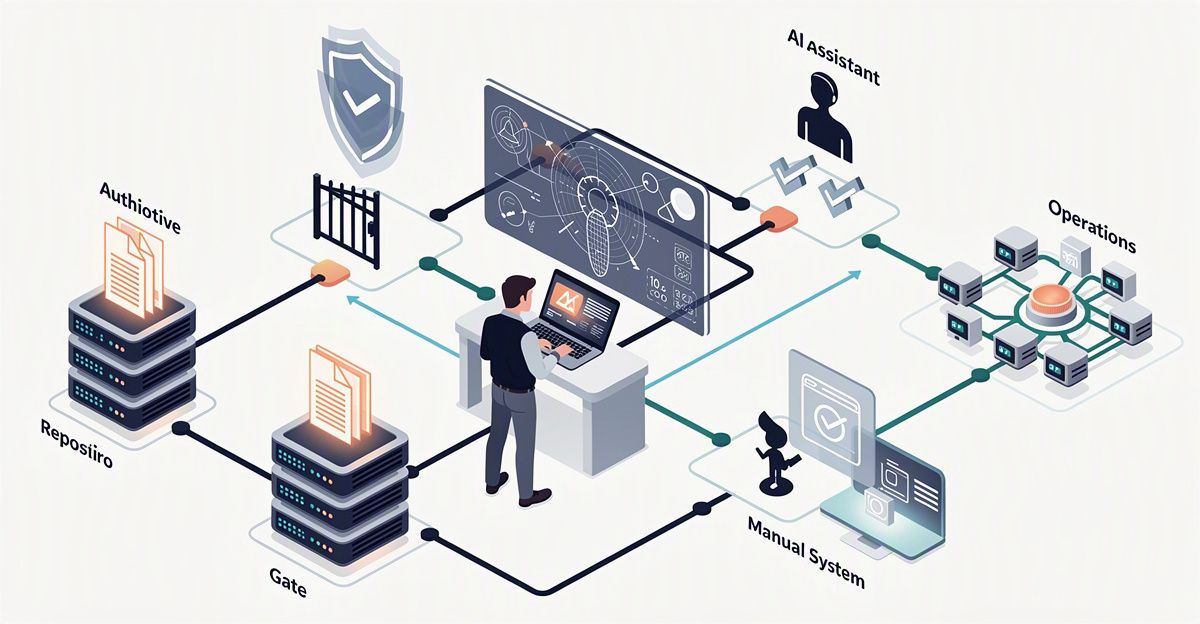
An event becomes more useful when the person receiving it can find the relevant records and understand the next step. Where integration is confirmed, AI Industry Packs can connect to Luna Copilot through a flow of receiving data → understanding context → coordinating work:
- Receive events and evidence: associate recognition results with the camera, location and time.
- Check context: retrieve procedures, equipment records and relevant history within the user's access permissions.
- Prepare a response: summarize the situation, suggest work and identify missing information.
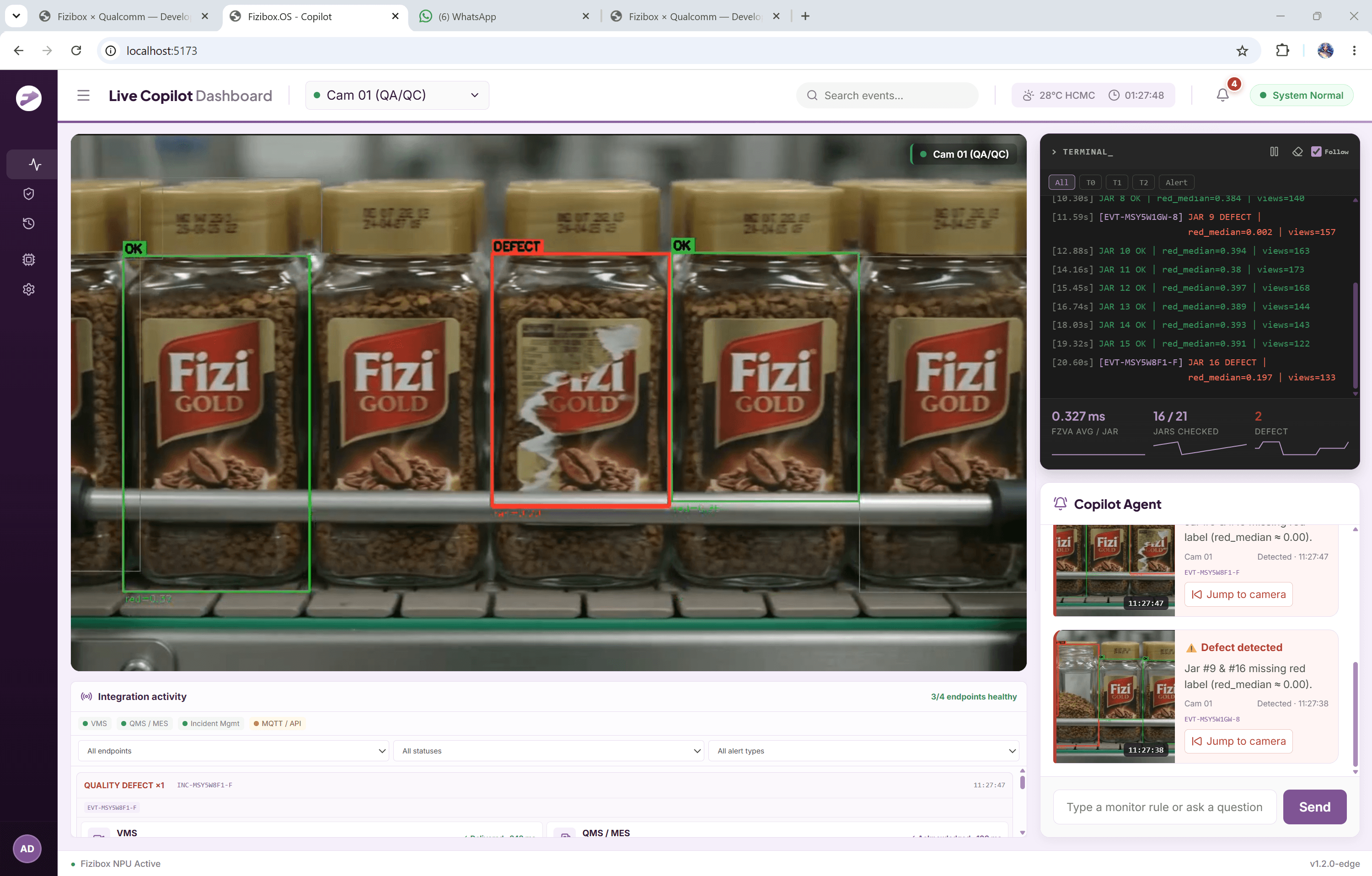
- Follow through: the responsible person confirms and assigns work, the assignee updates evidence, and an authorized reviewer checks and approves the outcome.
For example, in a configured camera-maintenance workflow, an obstruction event can be linked to the equipment record for review before an inspection request is created. A technician adds findings and post-maintenance images; the responsible person checks them before confirming completion.
People retain responsibility for confirmation and approval. Field data gains operational context, with clear ownership and a record of how the issue was handled.
Keep the pilot focused and the criteria clear
A useful pilot evaluates both recognition quality and how results fit into everyday work. To make multi-brand camera integration relevant to your operations, agree on the following steps:
- Select a priority problem: define the area, target situation and people who will use the results.
- Survey representative cameras: record models, firmware, locations, image conditions and network details.
- Choose the AI capabilities: agree on the package, configuration and feature scope.
- Define acceptance criteria: specify recognition quality, stability, evidence to retain, recipients and the workflow to test.
- Review before expanding: compare results with the criteria and confirm suitable configurations and operating conditions.
A suitable deployment needs all three layers to work: device connectivity, AI-ready image quality and outputs that support operations.
This approach gives your team a concrete basis for deciding what to expand, rather than treating a working video connection as proof that the entire application is ready.
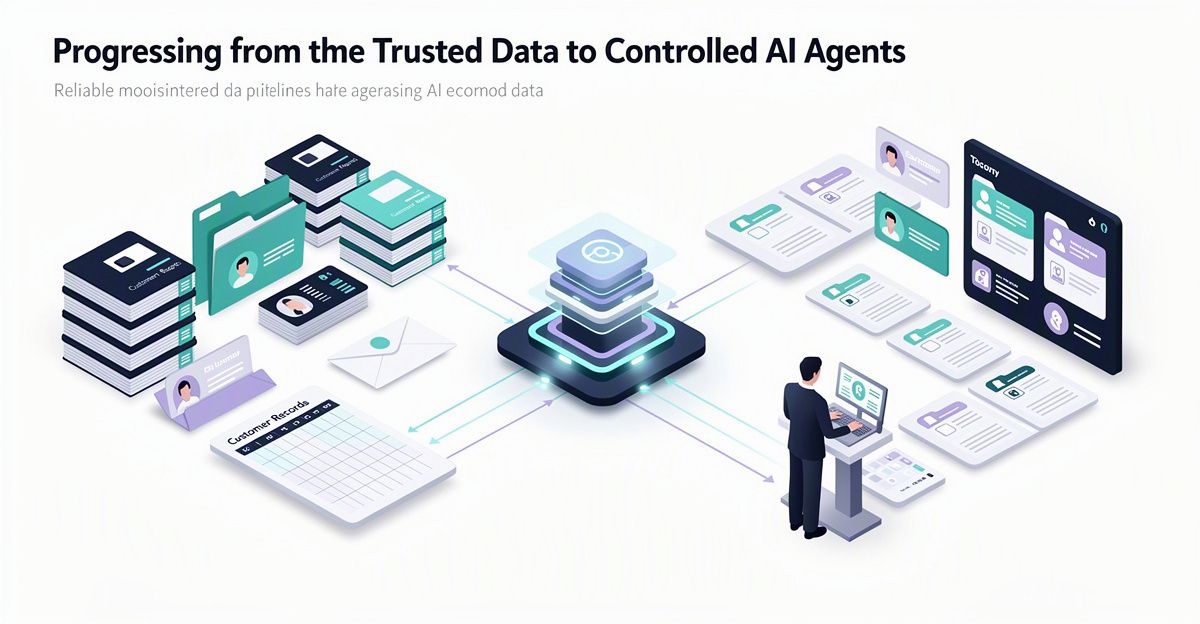
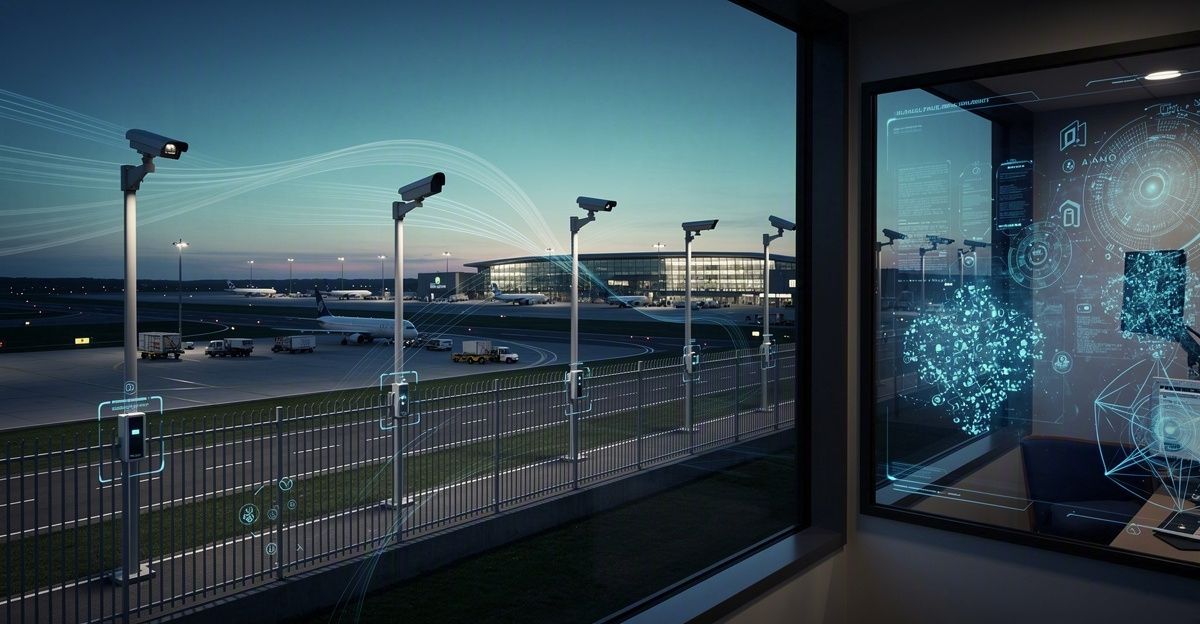
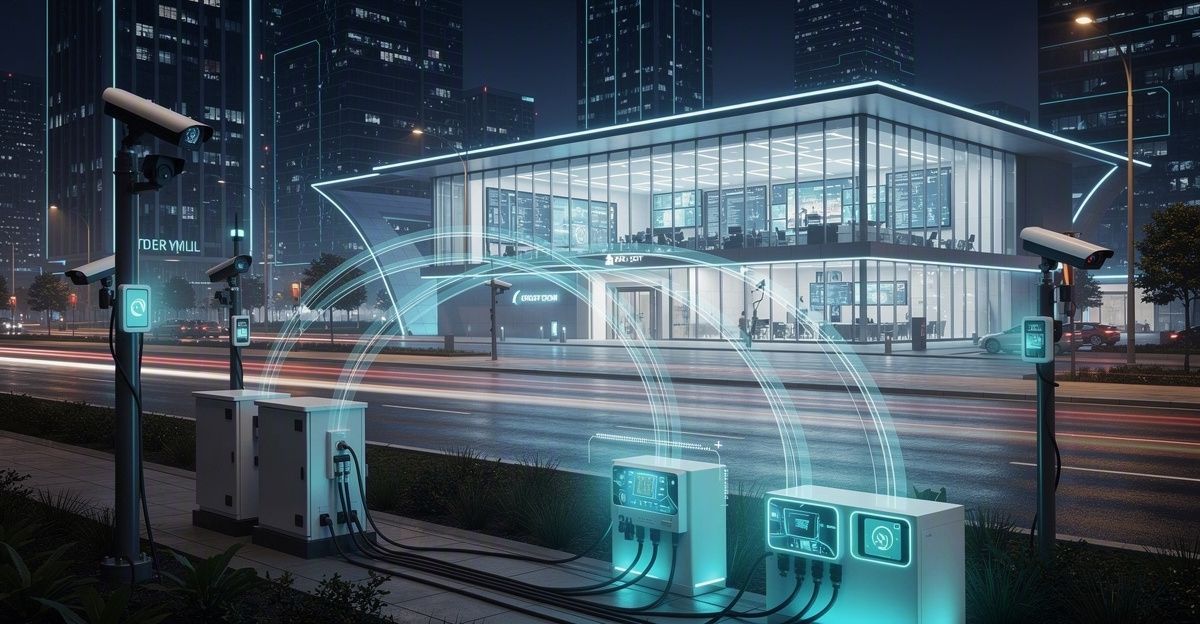
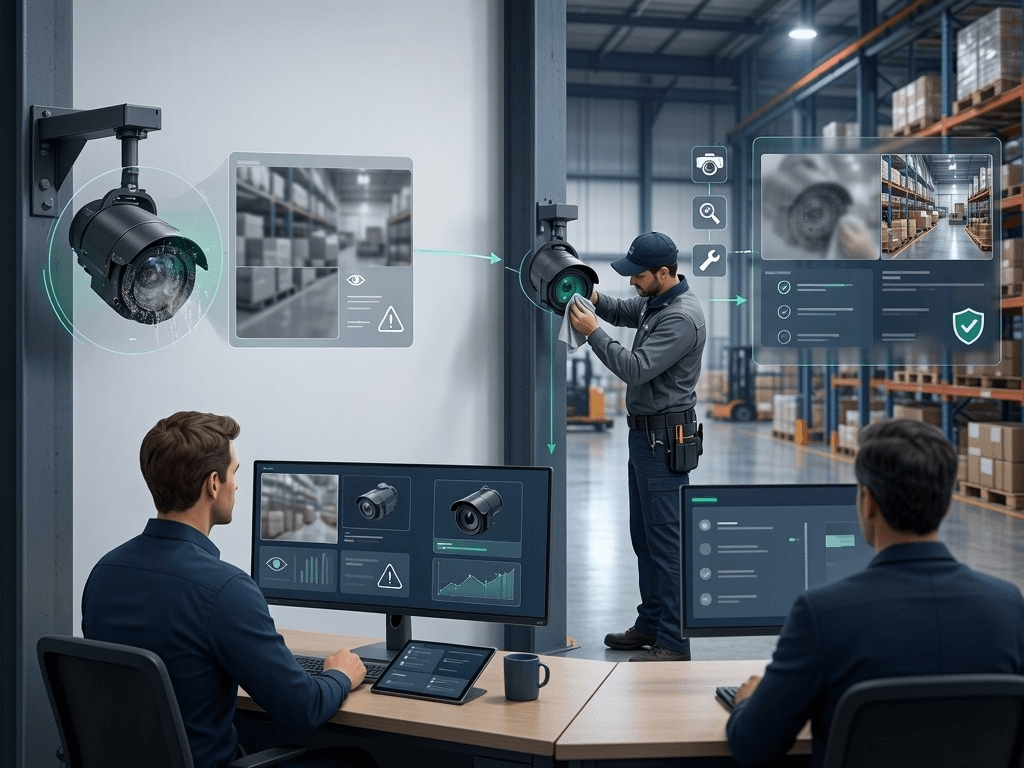 Human-supervised camera maintenance flow: reviewing an obstruction event, inspecting the device and checking post-maintenance evidence.
Frequently Asked Questions
- Do we need to replace every camera? Not necessarily. Existing IP cameras may be reused if compatibility and image quality are confirmed; analog cameras require a compatible recorder or encoder.
- Does ONVIF support guarantee every AI Industry Pack will work? No. ONVIF supports connectivity, while AI suitability also depends on image conditions, processing resources and the confirmed package scope.
- Does Luna Copilot approve actions automatically? In the described workflow, people confirm assignments and authorized reviewers approve outcomes. Luna supports context gathering and work coordination within the agreed integration scope.
Which operational problem would you tackle first? Share your industry, camera inventory and the work you want to improve. Register for an experience at Fizibox to discuss suitable AI Industry Packs, the site survey, pilot criteria and how results could connect with Luna Copilot.