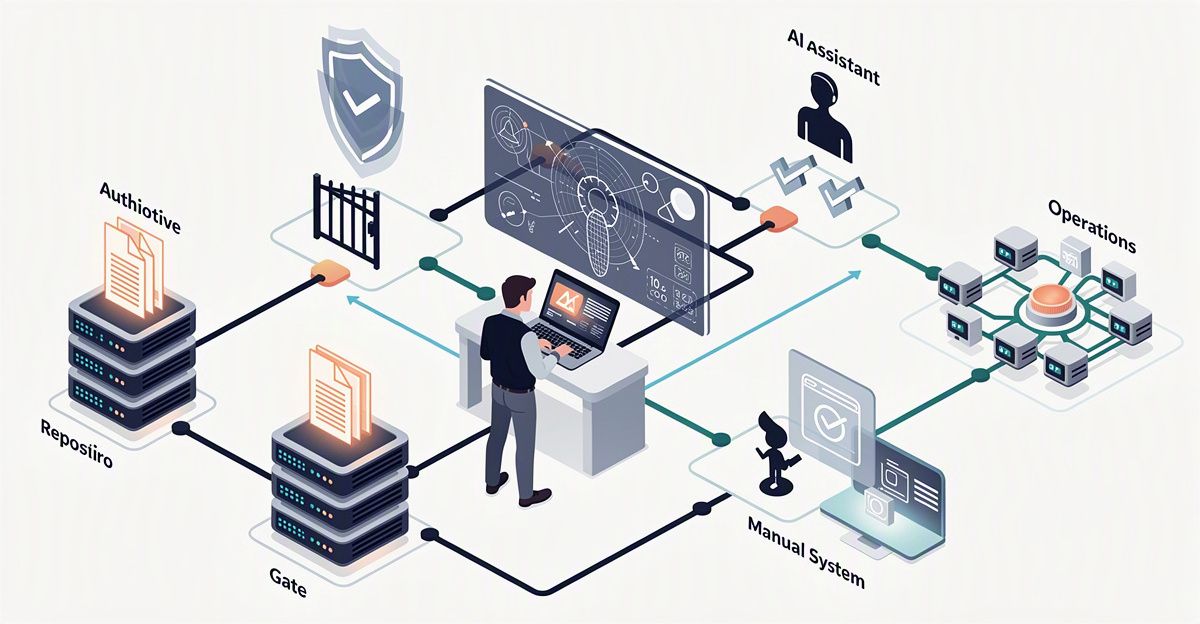
Your team already uses a CRM, yet people still copy information between tools, hunt for price lists, and chase progress updates. A quotation request arrives by email, customer details sit in the CRM, and product pricing lives in a spreadsheet.
An AI automation platform can help connect those pieces. But moving from useful answers to useful work requires more than a capable chatbot: you need reliable data, clear permissions, and a way to review the result.
The value of AI is not just a convincing answer. It is work completed within agreed boundaries, with results your team can check.

What changes when AI can work with your tools?
An AI automation platform combines AI's ability to interpret information with business data and tools. Depending on its configuration, it can read requests, retrieve relevant records, prepare responses, or update information within its assigned permissions.
Three related capabilities often work together, but they are not interchangeable:
Component Primary role Example
Chatbot Handle questions and conversation Explain a policy using internal documents
Workflow automation Follow predefined steps and conditions Notify an account owner after quotation approval
AI agent Select and use tools within an assigned scope Read a request, find information, and prepare a draft
A single system may combine all three. A chat interface receives the request, an agent gathers information, and a fixed workflow controls approval.
Being able to answer does not mean being authorized to act. For example, AI might extract requested products and prepare a quotation draft, while an employee checks commercial terms before approving it for the customer.
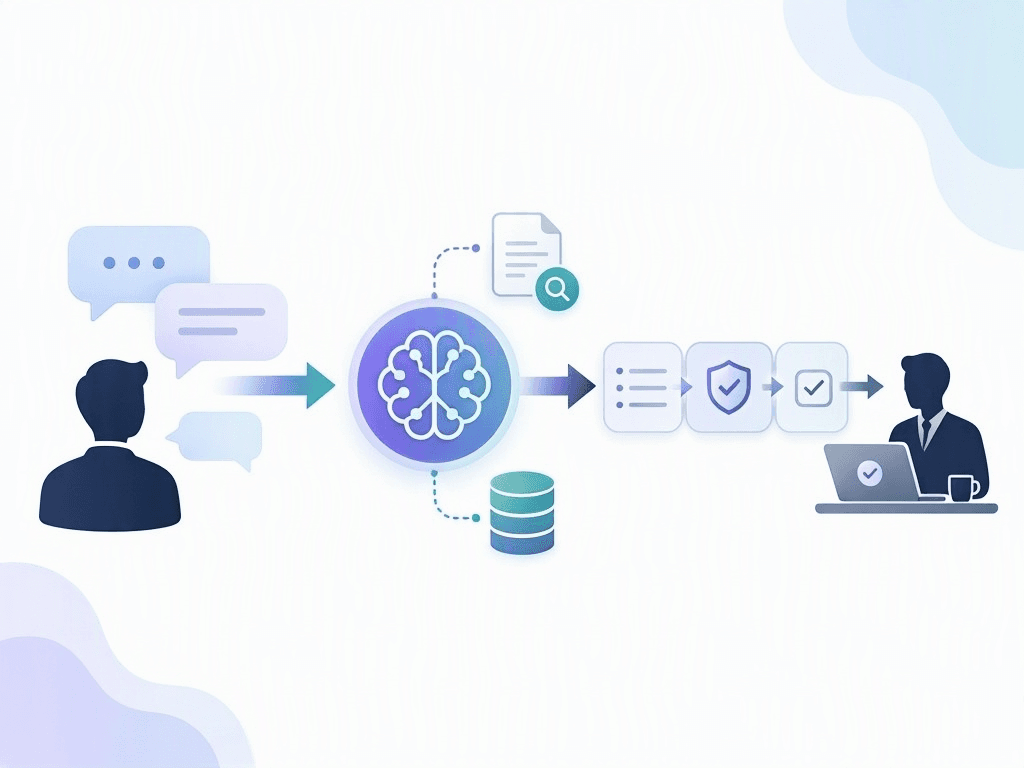 A chatbot receives requests, an AI agent connects to data, and a workflow routes actions for human approval.
Build from trusted data to controlled action
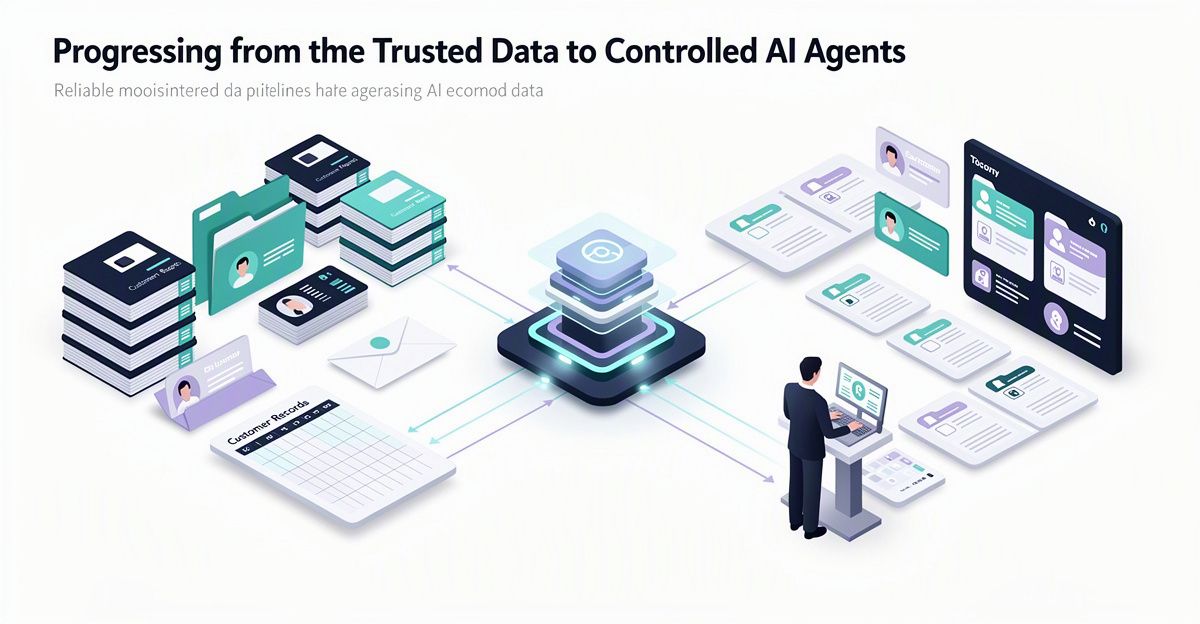
You do not need to automate an entire operation at once. A practical rollout starts with authoritative information, tests retrieval, and only then introduces permission to make changes.
Establish your sources of truth
Before assigning work to AI, answer a few basic questions:
- Where are customer records maintained?
- Which price list is currently valid?
- Who is responsible for updating product information?
- Which documents are approved for use?
If different departments keep conflicting price lists, AI may interpret a document correctly and still use the wrong version. Standardization does not require moving everything into one application. It requires clear ownership, approved sources, and an understood update process.
Connect information to everyday tasks
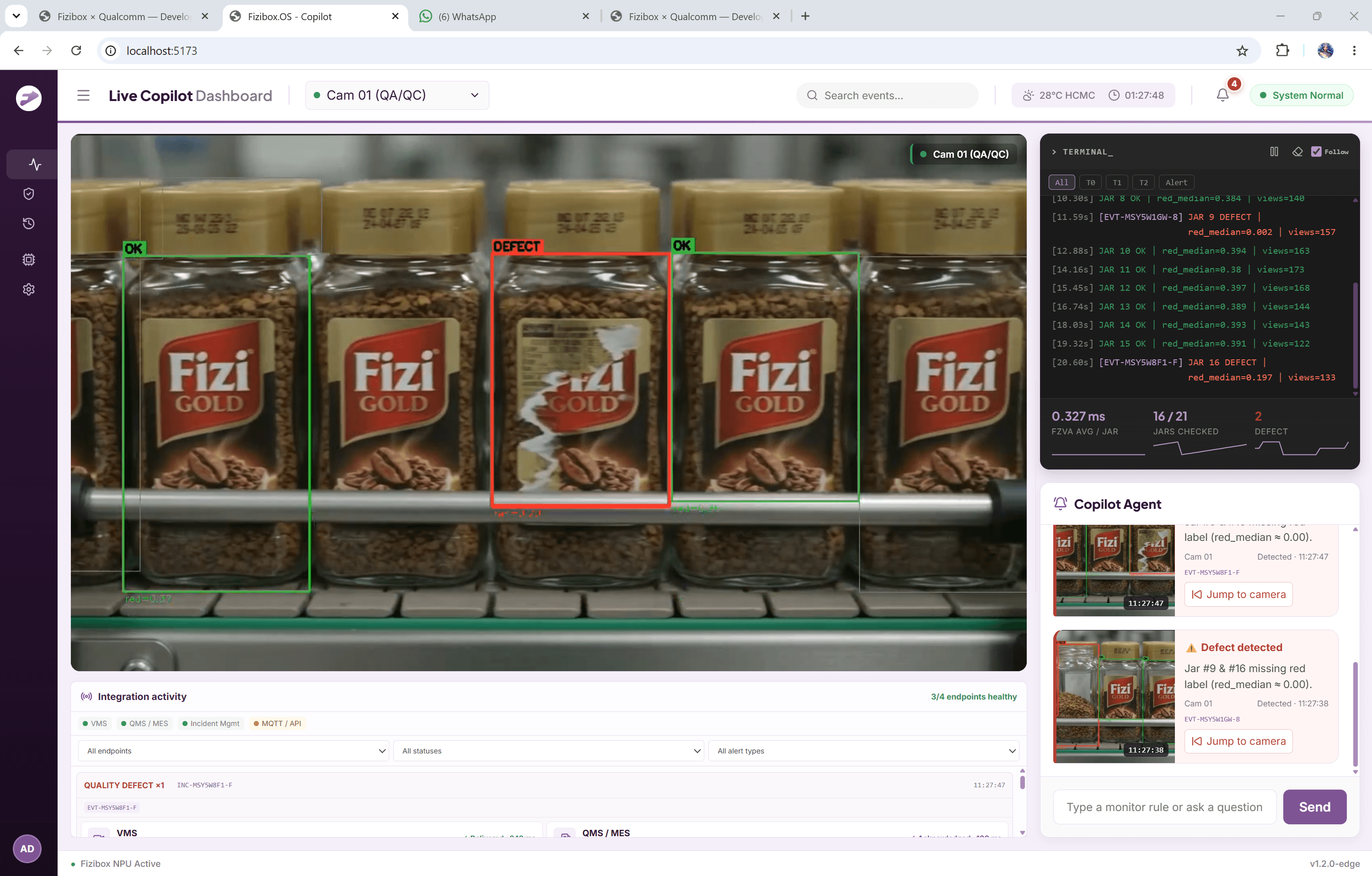
Start with support tasks such as finding a relevant policy, summarizing customer conversations, or listing missing information in a request. This lets you assess whether AI finds the right sources and understands the work before it can modify records.
For revenue, inventory, or progress questions, answers should come from the relevant business system, with the data timestamp made clear. AI should not infer those figures from descriptive text.
Introduce limited action permissions
Once retrieval meets your requirements, you can allow narrowly defined actions. Creating a follow-up task after a meeting is different from sending a commercial commitment to a customer.
For every task, define:
- What data AI may read and what actions it may take.
- When human approval is required.
- How outcomes and errors will be recorded and handled.
An AI automation platform becomes easier to evaluate when each permission supports a specific, reviewable task rather than a broad instruction to handle everything.
Start with a quotation request, not the whole sales process
A useful pilot has reasonably clear inputs, recurring work, and someone responsible for reviewing the output. Preparing a response to a quotation request is one practical example.
Keep the initial scope straightforward:
- Receive the request: an employee captures the customer's inquiry.
- Extract the details: AI identifies requested items and relevant information.
- Check the catalog: AI compares the request with available records and flags missing details.
- Review the draft: an employee checks and completes the proposed response.
- Approve before sending: an authorized person reviews the quotation before it reaches the customer.
Here, AI supports preparation rather than deciding commercial terms. Your team remains responsible for checking the draft and approving the response.
This limited scope also makes mistakes easier to identify. You can examine whether the issue came from the source information, the interpretation of the request, or the proposed output.
Choose a task that is easy to inspect and correct. Avoid starting with a long chain of actions across multiple systems.
Measure completed work, not conversation volume
High usage does not necessarily mean an AI automation platform is saving time. If employees repeatedly correct its answers, it may add work rather than remove it.
Record a baseline before the pilot so you can compare the same kinds of work afterward:
Measure What to track
Handling time Time from receiving a request to completing it
Repeated data entry How often the same information must be entered again
Outputs requiring correction The share of results that need human edits
Delayed or missed requests Whether work is consistently followed through
Compare groups of tasks with similar complexity. A straightforward inquiry and a request with many missing details are not equivalent tests.
Include review and correction time in total handling time. Measuring only how quickly AI produces a draft leaves out work your employees still have to do.
If results fall short, revisit the data sources and task boundaries before granting more permissions. The goal is less manual effort without losing oversight, not automation for its own sake.
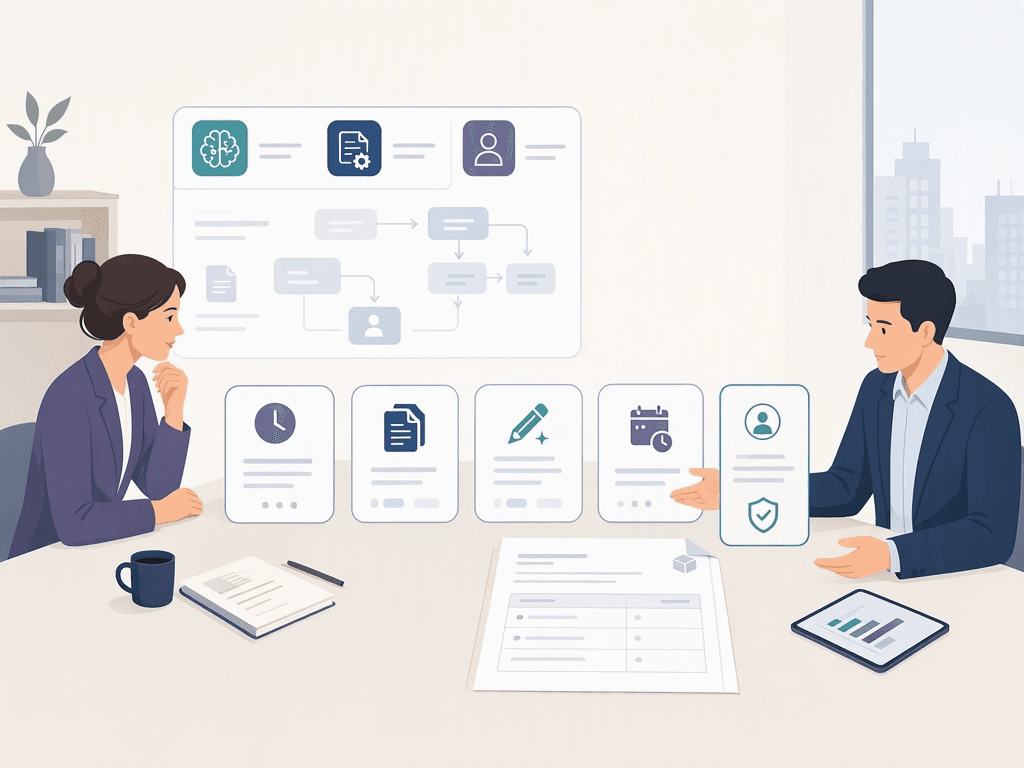 Employees evaluate an AI pilot using handling time, repeated data entry, corrections, and delayed requests.
Frequently Asked Questions
- We already have a chatbot. What might still be missing? Check whether it can access approved data, use business tools, and route actions for approval. Answering questions is not the same as completing a workflow.
- Do we need to replace our existing software? Not necessarily. Start by identifying authoritative data sources, access permissions, and the workflow steps you need to connect.
- Should an AI agent send quotations automatically? For an initial pilot, let it prepare drafts and require an authorized person to approve them before sending. Expand permissions only when actual results support doing so.
An AI automation platform is most useful when information has clear ownership, actions have explicit limits, and outcomes can be checked.
Want to reduce manual work in quotations, customer follow-up, or task tracking? Talk to Fizibox at fizibox.com about one specific workflow. Start by identifying where AI could help, where people should retain control, and what a manageable pilot would include.