Your company already runs an ERP, accounting platform, or CRM. Yet people still spend time reading emails, locating documents, re-entering information, and chasing updates. As you explore business AI, a reasonable question comes up: do you need to replace those systems first?
Not necessarily. If your existing software still supports your core operations and offers suitable integration options, AI can help with the manual work around it.
Start with a workflow bottleneck, not a software replacement. Keep official transaction data in your ERP, and use AI to help people find, understand, and prepare information.

Where ERP and AI work better together
An ERP manages structured transactions across purchasing, inventory, production, and accounting. Those activities depend on consistent numbers and clear rules. AI is better suited to tasks involving varied inputs and natural language.
Task ERP responsibility AI support
Receiving customer requests Store business records Read emails and extract details
Tracking orders Maintain official status Summarize outstanding work
Preparing customer replies Supply authorized data Draft a response for review
A practical business AI approach keeps these responsibilities distinct. If you ask why an order is delayed, AI should retrieve its status from the system and summarize unfinished work. It should not treat an old email as evidence of the current situation.
Keeping your ERP makes sense when core operations work well but people struggle with information gathering or handoffs. If you add task creation or reminders around those transactions, agree on which system owns the official status. Otherwise, two places may report different answers.
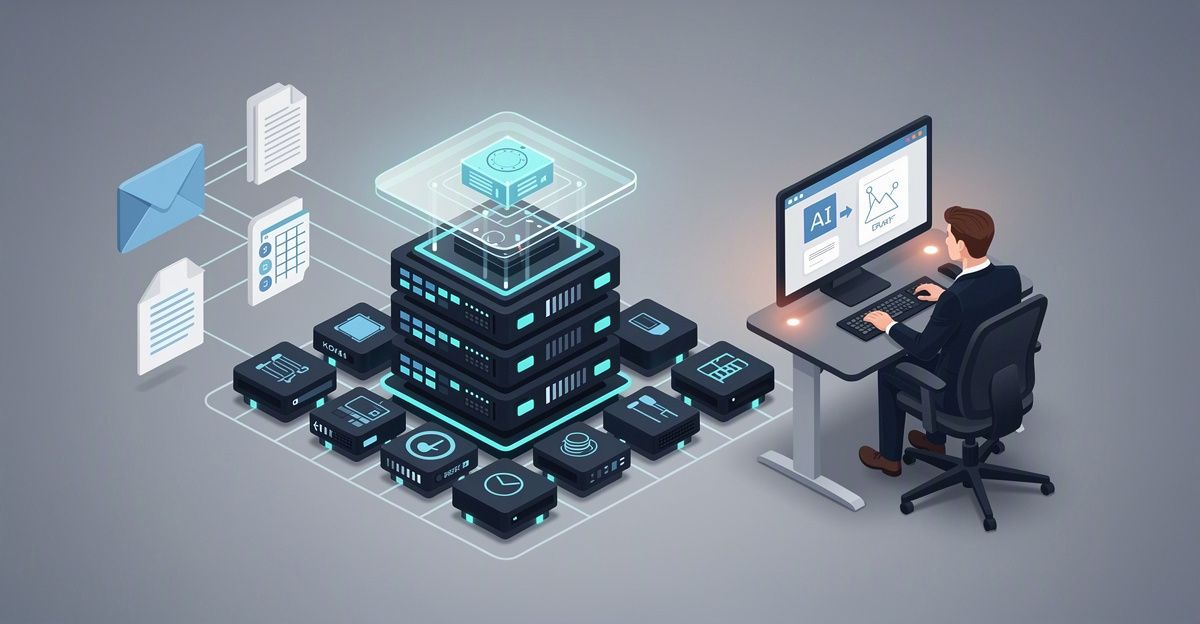
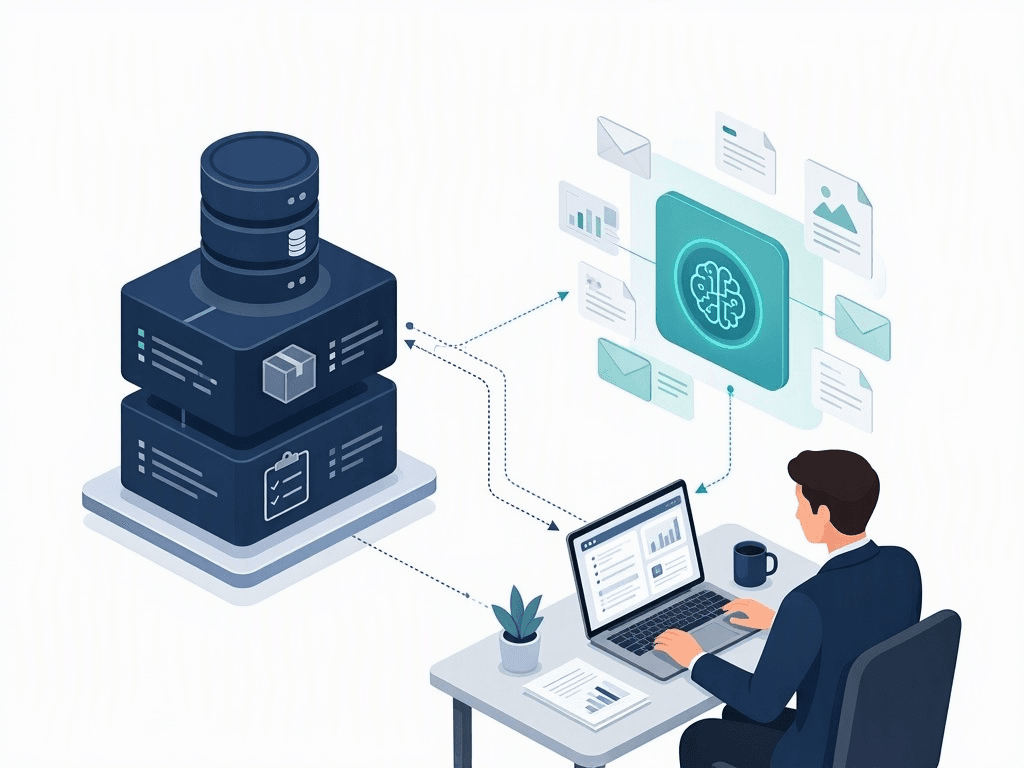 ERP maintains official transaction records while AI helps employees read documents and summarize information.
Choose a connection your existing system can support
There is no universal integration method. The right fit depends on your software, access permissions, data quality, and vendor support.
- API connections: Where suitable APIs exist, tools can have narrowly defined permissions. One might read order status; another might create a draft without confirming an order. Review API documentation, authentication, usage limits, and integration costs.
- File exchange: Exported files can support some batch analysis or data-preparation tasks when an API is unavailable. Results must show the reporting period or export time because the information is not live. This matters particularly for inventory and delivery progress.
- Interface automation: Automation tools can sometimes operate the software interface as a person would. However, interface changes, expired sessions, and altered workflows can disrupt them.
Interface automation is not an equivalent substitute for an API, especially for financial transactions or actions that are difficult to reverse. Technical access alone is not enough; the connection must fit the work and its risks.
What an AI-assisted quotation workflow could look like
This is an illustrative example, not a reported customer implementation.
Imagine your ERP manages product codes, inventory, and orders, while customers send quotation requests by email with spreadsheets attached. You could retain the ERP and add the following workflow:
- AI reads the request: It extracts product descriptions, specifications, quantities, and requested deadlines.
- The system checks the catalog: It looks for matching product codes and flags unmatched lines.
- An employee reviews the details: They confirm products, clarify units, and supply missing information.
- The system prepares a draft: It uses pricing data the employee is authorized to access.
- An authorized person approves: They check prices, delivery timing, and terms before the quotation is sent.
AI reduces the reading and preparation work. The ERP remains responsible for business records, while commercial decisions stay with authorized people.
Unclear information should be flagged, not guessed. A plausible product code or quantity is not a reliable basis for a customer commitment.
Put controls in place before expanding the workflow
A working connection does not automatically make a workflow ready for use. Before expanding business AI, establish these controls:
- Authoritative sources: Define where each type of information is maintained. An outdated document must not override current pricing. Summaries should include sources, with access to the original records for verification.
- Permissions: AI should only read or change information within the user's authorized scope. Access to an order does not automatically include access to cost prices.
- Action approvals: Separate reading, drafting, and committing changes. Price changes, order confirmations, and customer commitments need appropriate controls.
- Logs and error handling: Record the requester, action, and outcome. If a transaction's result is uncertain, reconcile it before retrying to avoid duplicates.
When the ERP itself needs attention
Consider an upgrade or replacement if the ERP no longer supports core operations, lacks necessary access controls, or is no longer supported. Rising costs for integrations and workarounds, combined with inconsistent data, are another reason to reassess it.
Do not replace your ERP simply to get AI. Include data migration, training, operational disruption, and the new system's business fit in the decision.
Start with a bounded pilot
Choose one manual workflow, identify its data sources, and decide who will review the output. Measure processing time, accuracy, and review effort, rather than judging success only by how well AI answers questions.
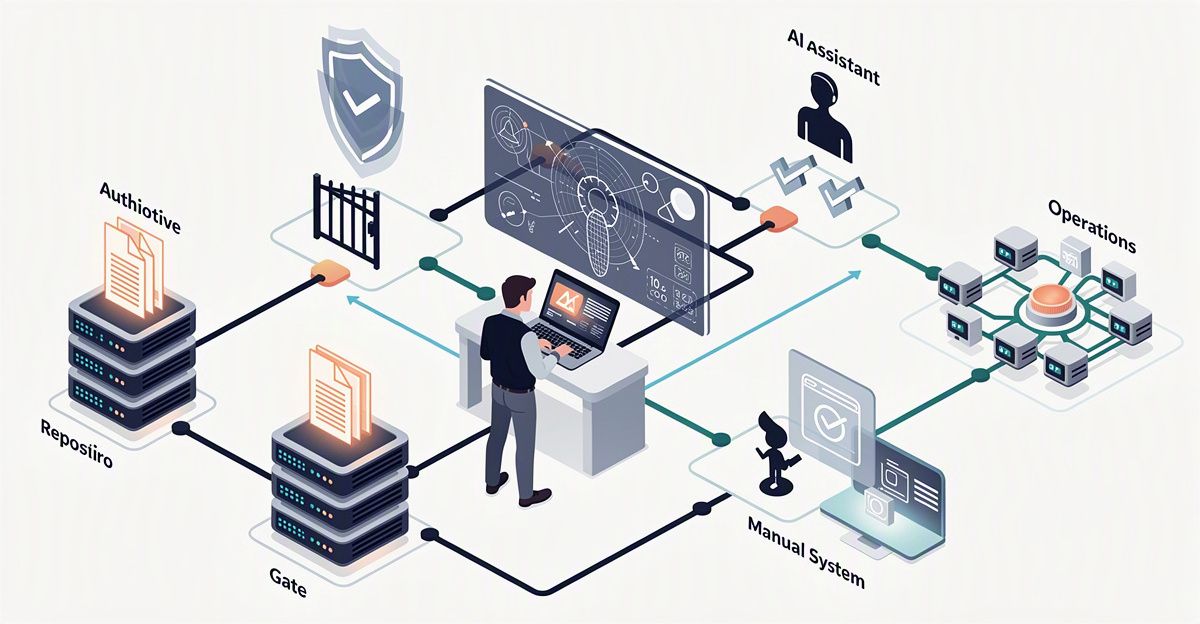
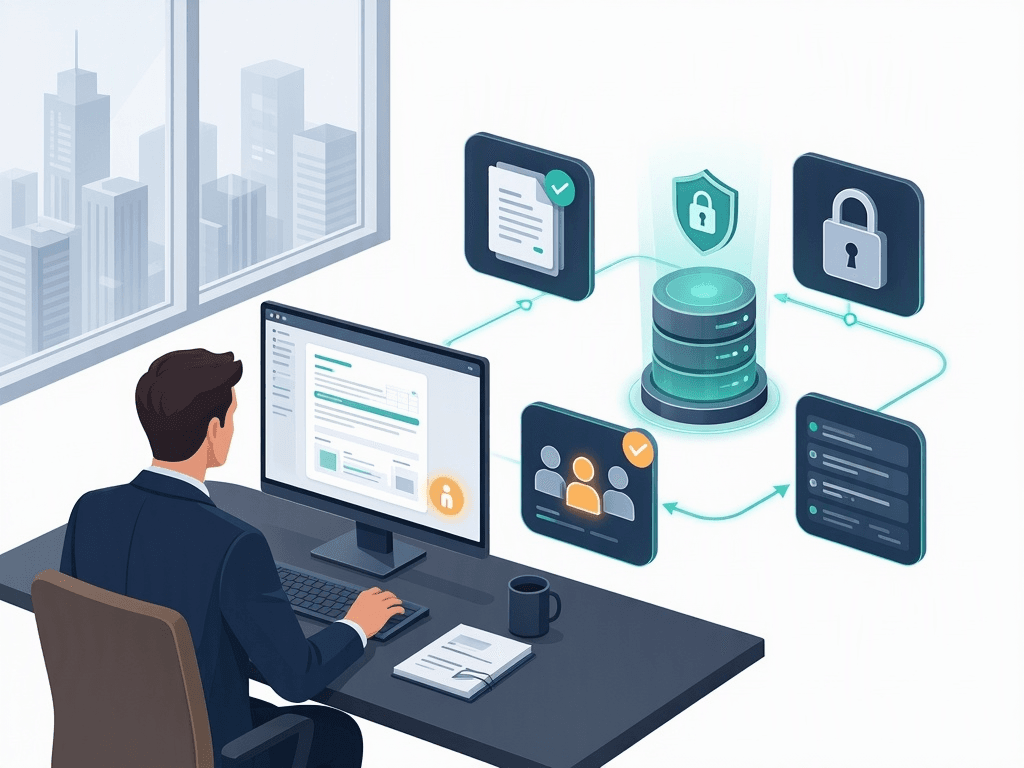 Data sources, permissions, approvals, and activity logs controlled within an AI and ERP integration pilot.
Frequently Asked Questions
- Does business AI require a new ERP? No. You can retain your ERP if it still supports core operations and suitable integration is possible.
- Can we start without an ERP API? Exported files can support some batch-based tasks. Clearly state when the data was extracted, especially for inventory and order progress.
- Should AI send quotations without review? In the workflow described here, an authorized person checks pricing, delivery timing, and terms before sending the quotation.
Still relying on email and spreadsheets despite having an ERP? Talk to Fizibox at fizibox.com about one specific workflow. Start by assessing what can connect to AI and defining a manageable pilot before considering a system replacement.